Answers, guides and videos about tapypay. Everything you need to set it up, use it and get the most out of it.
Short video tutorials covering the most important tapypay features.

From unboxing to your first transaction.

Start accepting payments with tapypay.

Display your brand on the terminal and receipts.

Create support tickets and stay up to date with new features.

Track your payments at a glance.

Set up tipping for your business.
Everything you need to know before choosing tapypay.
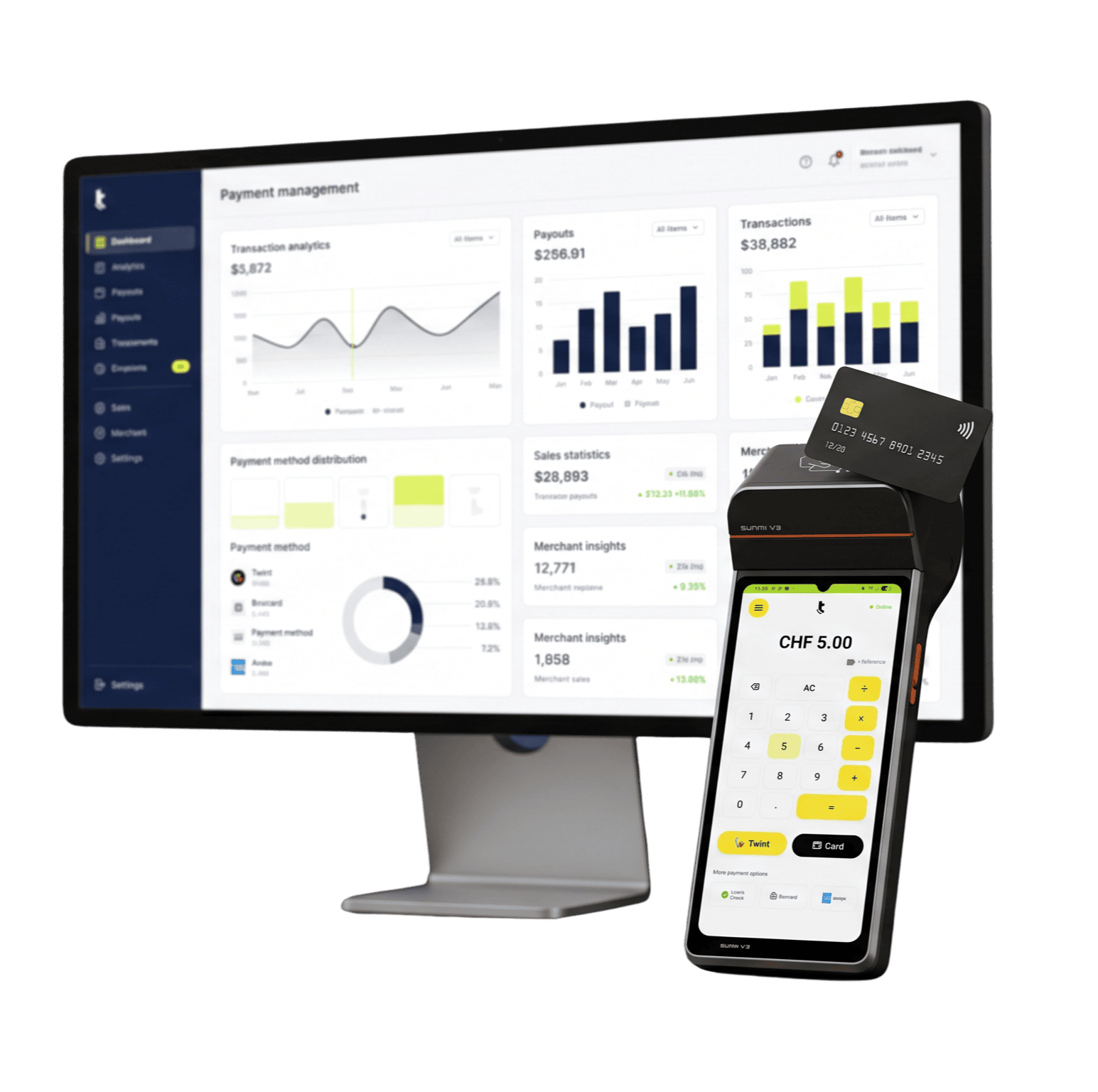
tapypay is a Swiss payment solution for SoftPOS, payment terminals and integrated POS payments. Accept Visa, Mastercard, TWINT and many other payment methods. Manage all transactions, payouts and fees transparently in the tapypay Portal.
tapypay is designed for businesses of all sizes. From sole proprietors and restaurants to retailers, service providers, multi-location businesses, events and companies with POS integrations.
tapypay is available to businesses, associations, foundations and public institutions in Switzerland. A successful registration and approval are required.
tapypay uses a transparent pricing model. Network fees are passed on at cost. An Acquiring Service Fee of 0.45% is added. Hardware, service packages and optional services are charged separately. You can find our latest pricing on our pricing page.
tapypay supports Visa, Visa Debit, Mastercard, Debit Mastercard, Maestro, V PAY, TWINT, Apple Pay, Google Pay, Samsung Wallet, Lunch-Check and Boncard. Additional payment methods are continuously being added.
All fees are displayed transparently in the tapypay Portal. You can see network fees, the Acquiring Service Fee, payouts and settlements in full detail.
Payouts are processed according to your agreed payout schedule. The tapypay Portal shows when each transaction is expected to be credited to your bank account.
Your contract can be cancelled with one month’s notice to the end of any calendar month.
Absolutely. We’d be happy to show you tapypay in person or in an online demo. Contact us to arrange a convenient appointment.
From registration to your first payment. Simple, fast and fully digital.
Registration only takes a few minutes and is completed entirely online. Once your account has been approved, you can activate your device and start accepting payments immediately.
For SoftPOS, you need a compatible Android device with NFC and an internet connection. If you prefer not to use your own device, you can order a payment terminal directly from tapypay. It arrives fully configured and ready to use.
Yes. tapypay complies with the requirements of the international card schemes and works with certified partners while meeting the latest payment security standards.
You can manage as many devices and locations as you need. New devices can be added at any time.
Enter the amount on your terminal, POS system or in the app. The customer pays contactlessly. For transactions above CHF 80, the customer confirms the payment by entering their PIN on the device. A digital or printed receipt is then available.
Yes. After tapping the card, customers in Switzerland must enter their PIN on the device for transactions above CHF 80.
Yes. Tipping can be enabled or disabled for each device in the Portal at any time. You decide whether customers see predefined percentage options or enter a custom amount.
Yes. All tips are displayed in the Portal dashboard, giving you a complete overview of the tips collected throughout the day.
Yes. You can customise the receipt text in accordance with regulatory requirements and upload your company logo.
No. Digital receipts are included as standard. If you require printed receipts, tapypay supports external Sunmi printers and network-enabled Epson receipt printers.
Yes. tapypay integrates with a wide range of POS systems through direct integrations, APIs or Android Intents. We’ll be happy to help you find the right integration.
Manage your payments, access reports and get support whenever you need it.
Yes. The tapypay Portal gives you complete visibility of transactions, fees, refunds and payouts. You’ll also see when each transaction is expected to be paid out. If you require automatic bank reconciliation, we can support that as well.
Click “Forgot password” on the login screen and follow the instructions. If you no longer have access to your account, our support team will be happy to help.
Our Switzerland-based support team is available by phone and email. You’ll also find guides, videos and answers to frequently asked questions in our Help Center.
The fastest way to get help is through the Support section in your customer Portal. Simply describe your issue and it will be routed to the right team. Of course, you can also contact us by phone or email.
With tapypay, you’re never tied to a single device. If you have another Android device, simply install the tapypay app and scan the QR code from your Portal. Your new device will be ready to accept payments within seconds. If you’re using a tapypay payment terminal, we’ll of course arrange a replacement as quickly as possible.